Short answer
Four parts are enough for a solid network in a small business: the modem that brings in the internet line, a separate router or firewall if needed, a switch that connects the wired devices, and one or more ceiling-mounted access points. Desktop computers, printers, camera recorders and payment devices should be connected by cable; the wireless network should be left to phones, laptops and guests. Building this structure right from the start is both easier and less failure-prone than patching it later.
First list what you will connect
Network installation starts with an inventory, not with choosing devices. On a sheet of paper, write down every device in the business and where it sits. The computer at the register, the POS device, the printer, the camera recorder, the smart TV, the staff's phones and the guest network your customers will use are the typical items on this list.
This list answers two questions: how many wired connections are needed, and how many people will use the wireless network at the same time. An office with six desks and a cafe that gets crowded on weekends cannot manage with the same modem. Also write down the devices you plan to add within a year; leaving free ports on the switch is cheaper than replacing it later.
Modem, router and firewall: what does each one do?
The modem is the device that turns the line from the service provider (fiber, VDSL) into a network. Most modems also work as a router and a wireless broadcaster. This setup, which is enough for a home, quickly reaches its limit in a business.
The router hands out addresses to the devices on the network and directs traffic to the internet. The firewall controls which traffic is allowed in and out. In small businesses, one device can take on both jobs. When you use a separate router or firewall, the modem only carries the line; managing the network stays on your own device, and your settings are not lost when the service provider replaces the modem.
If you want to separate the staff network, the guest network and the camera network from each other (which is the right choice for most businesses), you need a router or firewall that supports VLAN. A VLAN means creating separate networks over the same cables that cannot see each other.
Expert note: Turn off the wireless broadcast on the service provider's modem and build the network with your own access points. Two separate broadcasts in the same space confuse devices about which network to join.
Switch: number of ports and PoE
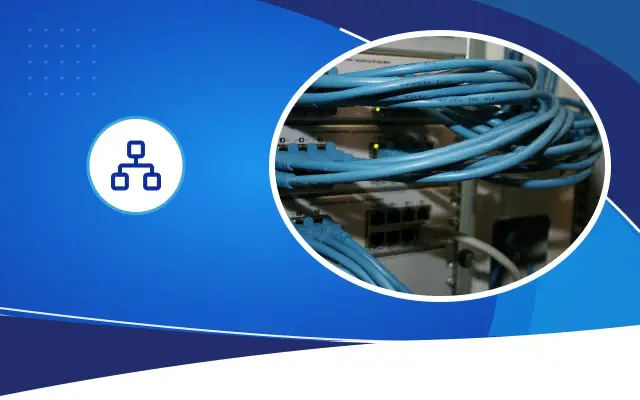
A switch is the hub that connects wired devices to each other and to the router. When choosing, look at the number of ports, the speed and PoE support. Today, gigabit (1 Gbps) ports are the basic level for businesses.
PoE (Power over Ethernet) means the device gets its power from the network cable. IP cameras, ceiling-type access points and IP phones work with PoE. This way you do not need to run a separate power outlet to the ceiling or the pole. When buying a PoE switch, look at the total power budget; the total consumption of the devices you will connect must not exceed this budget.
When counting ports, leave room for the router connection and spare ports. If you will connect eight devices, buying an eight-port switch leads to adding a second switch and a tangle of cables when the ninth device arrives.
- 1Make a device inventory
- 2Plan the cable routes and outlets
- 3Decide where the cabinet and UPS go
- 4Set up the router, switch and access points
- 5Separate the networks with VLANs
- 6Document the passwords and the port list
Wireless network: a ceiling access point instead of a modem
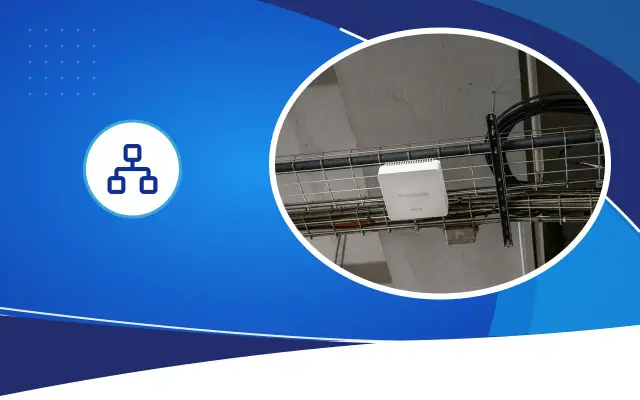
A modem in the back corner of the shop cannot give good signal to the desk by the door. Ceiling-mounted access points spread the signal evenly from above. In a small, single-room shop without partitions, one access point is often enough; in offices with partitions, shops with storerooms and multi-floor businesses, the number goes up.
If you will use more than one access point, choose centrally managed models from the same brand. That way the whole network works under a single network name, and the connection does not drop when staff move from room to room.
Common mistakes
We run into the same mistakes again and again in small businesses. Most of them can be prevented with a decision of a few minutes during installation.
- Connecting the camera recorder and the POS device to the wireless network.
- Leaving cables unlabeled; when there is a fault, nobody knows which cable goes where.
- Leaving the switch and modem under the counter, exposed to dust and heat.
- Guests connecting to the staff network with the same password.
- The modem and switch shutting down in a power outage; a small uninterruptible power supply (UPS) solves this problem.
- Choosing cheap copper-clad aluminum (CCA) cable; these cables can heat up with PoE and cause speed problems.
Security settings to make on the first day
When devices are left as they come out of the box, the network is like an open door. The default admin passwords of the modem, router, switch and camera recorder are listed on the internet. The first step of installation is to change these passwords and write them down somewhere.
Use WPA2 encryption on the wireless network, or WPA3 if supported. Turn off the WPS button feature; it is convenient but it is a known way for unauthorized access to the network. Do not set up port forwarding on the modem to open the camera recorder's or printer's management screen to the internet. If you need remote viewing, prefer the manufacturer's cloud service or a VPN connection.
Changing the wireless network password when staff leave should become a habit. On a network where everyone knows the same password, you cannot track who connects with which device. Also check the devices' software updates a few times a year; manufacturers close security holes with these updates.
Installation order and afterwards
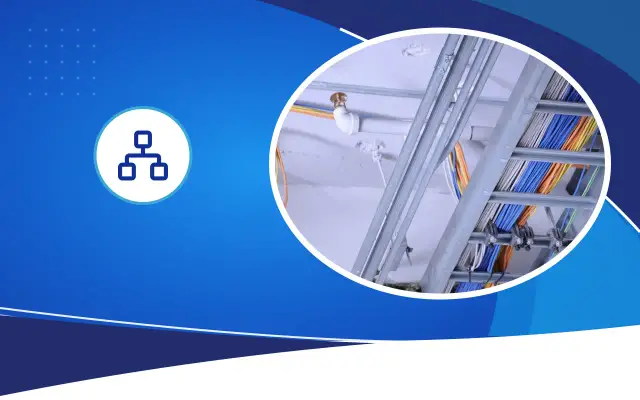
The right order is this: first the cable routes and outlet locations, then a small wall-mounted cabinet, then the devices, and the settings last. A cabinet is not mandatory, but keeping the modem, switch and camera recorder together in a ventilated, locked place reduces faults. We see that devices squeezed into a closed cupboard often freeze in Şanlıurfa's summer heat.
When the installation is done, prepare a simple document showing the admin passwords, the network names and which cable goes to which port. On the networks it installs, Desa Bilişim hands this document to the customer; when remote support is needed, work is done from the same document. If you share the size of your business and your device list, we can present the right setup with a written quote.
Frequently asked
Is the modem from the service provider enough for a business?
It may be enough in a business with a few computers and few users. If you have a guest network, a camera system and many users, it is more stable to use the modem only for the line and build the network with a separate router and access points.
Can't I just connect everything wirelessly instead of using cables?
You can, but dropped connections and slowness happen more often. When devices that stay in one place and send data constantly (camera recorder, printer, cash register computer) are connected by cable, both they and the phones using the wireless network work better.
What does the cost of a network installation depend on?
Cable length, number of outlets, the PoE power of the switch, number of access points and the need for a cabinet determine the cost. For an exact figure, an on-site inspection and a written quote are needed.
Let's set up your business network right from the start
Share your device list and the size of your business, and let's plan the right setup together.