Short answer
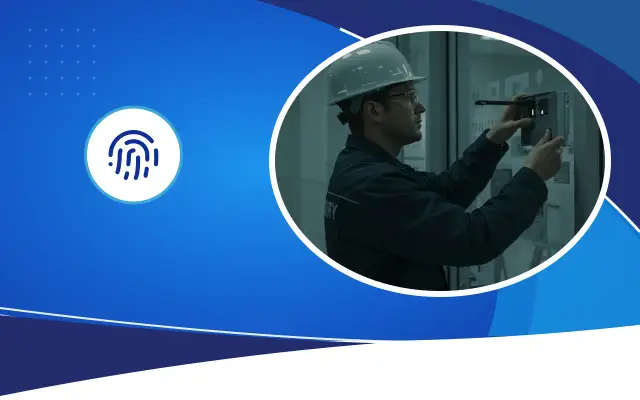
In sensitive areas such as the server room and the archive, access should be given only to those who need to enter for their work, and on record. For this, card or biometric access, two-factor verification if possible (such as a card and a password), a door-held-open alarm and a camera watching the door are installed together. If the access list is not reviewed regularly, the technical measures lose their effect over time.
Why a separate access layer?
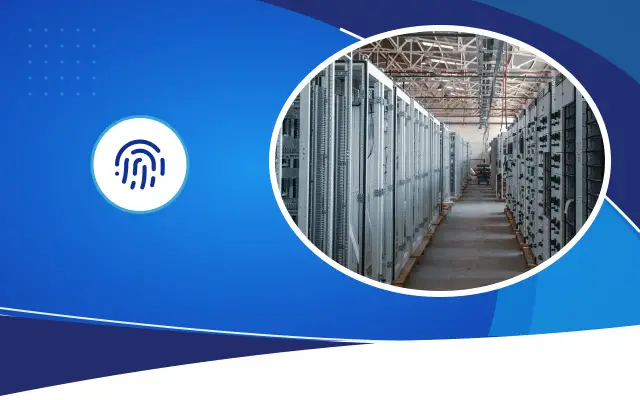
Access control at a building's main entrance manages who enters the building. The server room is a separate protected area inside the building. Servers, network switches, recorders and backups sit here. Someone with physical access to this room can bypass many software-side security measures: they can stop a service by pulling a cable, take a disk away, or connect an unauthorized device to the network.
The situation is similar for the archive room. Personnel files, patient records, contracts and accounting documents contain personal data even if they are on paper. Law No. 6698 requires those who process personal data to take appropriate technical and administrative measures; physical access control is part of these measures. We recommend getting an opinion from a legal advisor on which measures would be considered sufficient for you.
Who should enter and who should not?
An access list should be drawn up before moving to the technical solution. The IT team enters the server room. Cleaning staff, building maintenance technicians, air conditioning service and outside company staff should enter only when escorted or with temporary authorization. Only the responsible people of the relevant department should have access to the archive.
The shorter the list, the easier the control. A common mistake is to give everyone's card server room access for convenience. In that case, even if entry records are kept, when an incident happens you have to question dozens of people to find out who entered.
Set a written rule for outside company entries. When a service technician arrives, who will escort them, who will issue the temporary card and for how long, and how will the card be taken back when the work is done? Defining temporary cards with a time limit, meaning they become invalid on their own after a certain hour, closes the gap created by cards nobody remembered to collect. It should also be decided who will do this on days when the manager is on leave.
Expert note: Review the access list at every hire, departure and change of duty. The old authorization of an employee who changes position is often forgotten and stays open for years. Make it a rule that human resources notify IT of these changes on the same day.
What measures should there be at the door?
The server room door itself matters too. Even if the best reader is fitted on a wooden or glass office door, the door can be forced open. If possible, a steel or fire-resistant door, a sturdy frame and a door closer that makes the door close on its own should be used.
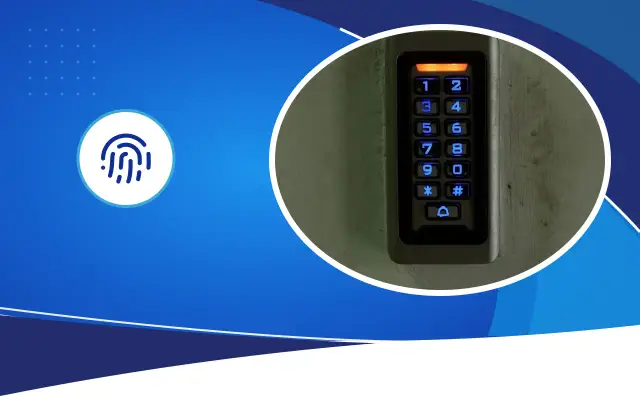
- Card or biometric reader, card and password together if possible
- Electric lock and battery backup that keeps working during a power outage
- Magnetic contact that sounds an alarm when the door is left open
- Forced-entry detection and notification to IT
- A camera that sees the door and the face of the person entering
- A button or lever for exit from the inside, a lock that can be opened in an emergency
- A visitor log or temporary card for outside company entries
- Access list short and up to date
- Sturdy door and door closer
- Two factors with card and password
- Door-held-open alarm
- Camera watching the door
- After-hours entry notification
- Device clocks from a single source
- Rack cabinets locked
Two-factor access and anti-passback
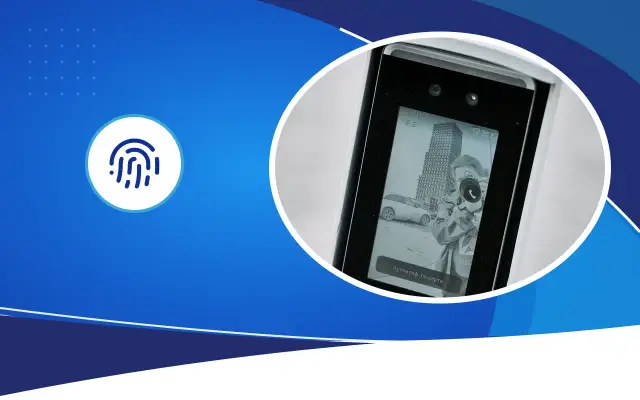
Two-factor access requires two different verifications to open the door: something you have (a card) and something you know (a password) or the person themselves (a fingerprint). Even if the card is lost or stolen, the door will not open without the password. In areas like a server room, this method gives much stronger protection than a card alone.
Anti-passback is a feature that rejects a swipe at exit from someone who entered without swiping at entry, or prevents the reverse. This way, a person handing their card to someone else so that two people enter, or holding the door open so someone passes behind, becomes visible in the records. Having a reader at both entry and exit in the server room also shows who stayed inside and for how long.
If a biometric method will be used, remember that fingerprint and face data count as special-category personal data under KVKK. Even in an area accessed by few people, a legal assessment should be made before biometric data is processed.
Records and monitoring
The access control software records every swipe, rejected attempts, the times a door was left open and forced-entry events. These records are only useful when someone looks at them. Notifications by email or message to the IT officer should be set up for after-hours entries, rejected attempts and doors left open.
The clocks of the camera recording and the access record should match. Having all devices take their time from a time server on the network makes it easier, when investigating an incident, to match the moment a card was swiped with the camera footage. In organizations that set up an information security management system (such as ISO/IEC 27001), physical access records are among the documents often requested in audits.
Measures inside the room
Access security does not end at the door. Keeping the rack cabinets locked inside the server room, knowing who holds the keys and using sensors that notify when cabinet doors are opened add another layer. The room should also have temperature, humidity and water leak sensors; although these sensors are not directly about access, they can be connected to the same monitoring system.
In Şanlıurfa, an air conditioner failure in the summer months is a serious risk for the server room. When the air conditioning service needs to enter the room, issuing a temporary card and having the entry recorded provides both security and a service record. For other mistakes related to server room infrastructure, you can also see our network infrastructure guide.
Desa Bilişim does server room installation and access control together for organizations. We can inspect the access situation of your server room and archive on site and report the gaps in writing.
Frequently asked
Is a card enough for a server room?
A card on its own carries the risk of being lost and shared. In sensitive areas such as a server room, it is recommended to require a password or biometric verification together with the card. Which method to choose depends on the importance of the area and the KVKK assessment.
What happens to the server room door when the power goes out?
It depends on the lock type and the installation settings. Battery backup keeps the system running for a while during an outage. Exit from the inside must always be possible for anyone left inside; the door's fire and escape requirements must be checked at the design stage.
Is access control needed for the archive room too?
If the archive holds documents containing personal data, limiting and recording physical access is part of the measures to be taken. Card access and an entry log are a practical way to do this. For obligations specific to your organization, consult a legal advisor.
Let us review the access security of your server room
Let us inspect your door, records and authorization setup on site and send you the gaps and a list of recommendations in writing.