Short answer
Burglar and fire alarm panels usually keep working for a while during a power outage on their own backup battery. Cameras, the recorder and the modem, however, shut down with the power unless they are connected to a separate uninterruptible power supply (UPS). Battery and UPS capacity is chosen based on how long you want to stay protected during an outage.
What does each device do when the power goes out?
A security system is not a single device. The alarm panel, sensors, sirens, cameras, recorder, PoE switch and internet modem are powered from different sources and react differently to an outage. If you don't know which part of the system keeps working during an outage, you may be left blind at the moment you need it most.
Burglars sometimes cut a building's power to try to disable the alarm and cameras. The outage may also be a fault coming from outside. In both cases, the question to ask is the same: without power, can the alarm notify you, and can the cameras record?
In Şanlıurfa, short outages and voltage fluctuations are felt more often in the summer months when the air conditioning load rises. In winter, faults caused by storms and rain can also affect the lines. Since an outage can happen at any time of year, backup power needs to be planned from the first day of installation. The typical behavior of the devices during an outage is as follows; your device may behave differently depending on the model and installation.
- Alarm panel: runs on its backup battery; how long depends on the battery's condition.
- Wireless sensors: run on their own batteries.
- Cameras: shut down if their power source shuts down.
- Recorder: without a UPS, it shuts down and recording stops.
- Modem and fiber device: without a UPS, they shut down and internet notifications stop.
The alarm panel's backup battery
Most burglar alarm panels have a small battery inside the enclosure. When the power goes out, the panel switches to this battery and keeps powering the sensors, keypad and siren. If the battery is new, the alarm works throughout the outage. If it is old, it runs out within the first few hours and the panel goes silent.
Fire alarm panels also have a backup power supply. The TS EN 54 family of standards for fire detection systems also defines requirements for the power supply. The required backup time varies with the project and the conditions in the regulations; this is checked during the design.
Batteries lose capacity over time, and heat speeds up this loss. In the Şanlıurfa summer, a panel battery sitting in a hot cabinet can wear out sooner than expected. Do not ignore the panel's battery fault warning.
Expert note: To see whether the alarm battery works, switch off the panel's circuit breaker briefly and check that the panel switches to the battery and the keypad keeps working. For fire alarm panels, leave this test to an authorized service.
Can the alarm notify you?
Even if the alarm panel keeps working, how it sends notifications matters. If notifications go only over the internet and the modem is not connected to a UPS, the panel loses its connection with you the moment the power goes out. The siren sounds, but you don't find out because nothing arrives on your phone.
That is why it is recommended that alarm panels have a module that sends notifications over a mobile line (GSM) or a backup communication path. Some panels also report a power outage as a separate event. Learning on your phone that the power at your shop or home has gone out helps you decide your next steps.
UPS for cameras and the recorder
The most common way for a camera system to ride out an outage is an uninterruptible power supply. When the power goes out, a UPS keeps powering the devices from its internal battery. If the recorder, PoE switch and modem are connected to the same UPS, the cameras also keep receiving power through the switch and recording does not stop.
If the cameras are powered by separate adapters or from a distant outlet, connecting them to a UPS becomes difficult. That is why, in new installations, powering the cameras centrally through a PoE switch is also an advantage when it comes to outages.
How long a UPS lasts depends on the total consumption of the connected devices and the battery's capacity. At night, when the infrared lights turn on, the cameras' consumption increases. When calculating capacity, you need to consider the worst case, that is, an outage at night.
Long outages and generators
A UPS is enough for short outages. In places where outages lasting hours are frequent, for example some districts and villages, larger battery banks or a generator may be needed. It can take anywhere from a few seconds to a few minutes for a generator to kick in; the UPS covers this gap.
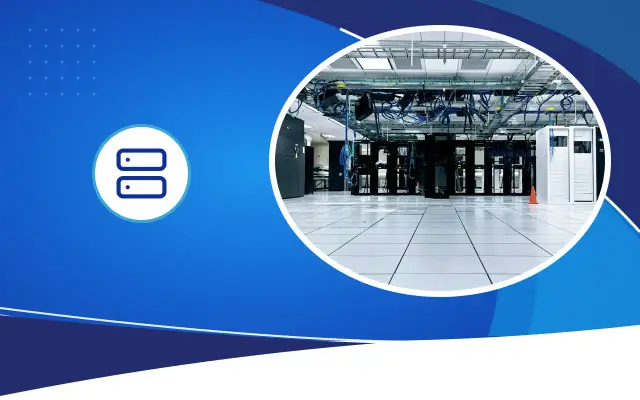
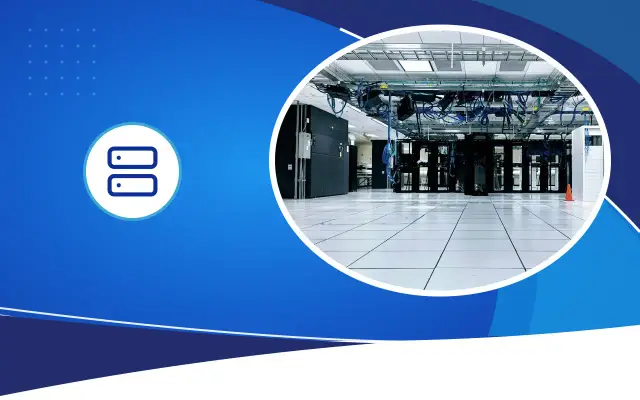
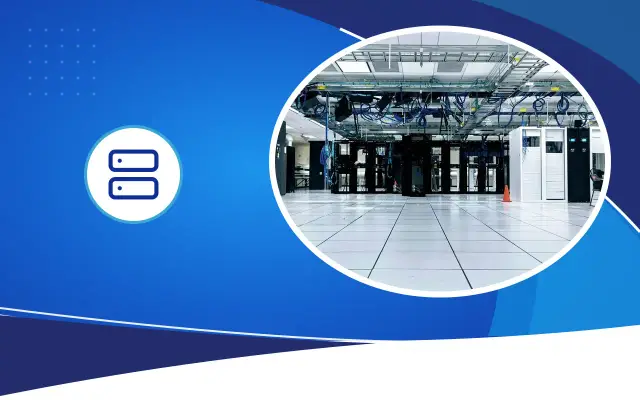
The power a generator produces is not always clean. Voltage and frequency fluctuations can affect sensitive devices. In a system powered by a generator, placing a UPS in between smooths out both this transition and the fluctuations. In businesses with a server room, this setup should be planned together with cooling and the rack layout.
What happens when the power comes back?
The end of an outage does not always mean the end of the problem. Some devices do not turn on by themselves when the power returns and wait for a button to be pressed. Sudden voltage spikes as the power goes on and off can damage boards and adapters. In places with frequent outages, using a surge protector reduces this risk.
After a long outage, log in to the recorder and check that recording has resumed where it left off, that the clock is correct and that all cameras are giving an image. If the clock setting is lost, searching the recordings for an incident becomes harder.
How do you test your own system?
On a weekend or at a time when the business is closed, unplug the UPS that the recorder and modem are connected to. Note whether the cameras keep giving an image, whether you can connect remotely from your phone and how long the UPS lasts. Then plug it back in and confirm that the devices continue working properly.
If the test shows the runtime is short or some devices shut down, the UPS capacity and connection layout need to be reviewed. Desa Bilişim plans backup power according to need in server room and security installations; you can ask us to assess your system on site.
Frequently asked
Does camera recording continue when the power goes out?
If the recorder, the switch powering the cameras and, if needed, the modem are connected to a UPS, recording continues. If not, recording stops the moment the power goes out. UPS capacity should be chosen based on how long you want recording during an outage.
How long does an alarm battery last?
This varies with the panel's consumption, the connected devices and the battery's age. A new battery lasts a long time, while a battery a few years old can run out quickly. If the panel gives a battery fault warning, the battery needs to be replaced.
If a burglar cuts the power, will the alarm notify me?
If the panel's backup battery is working, the alarm keeps sounding. Whether the notification reaches you depends on the communication path. A panel that sends notifications only over the internet cannot notify you if the modem is not connected to a UPS; a mobile line module closes this gap.
Is your system ready for an outage?
Fill in the quote form to have the backup power of your alarm, cameras and network devices assessed on site.